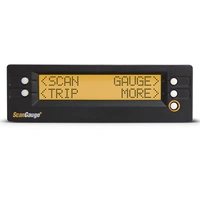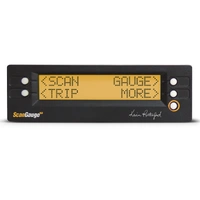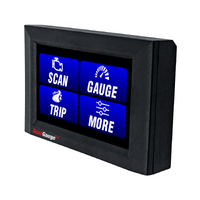
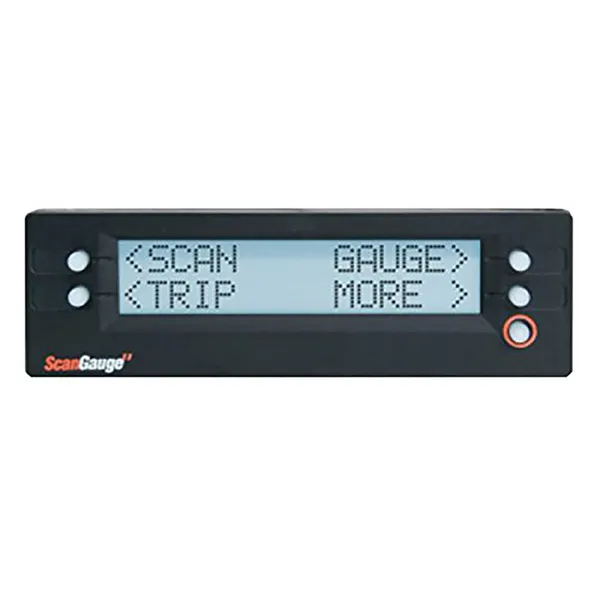
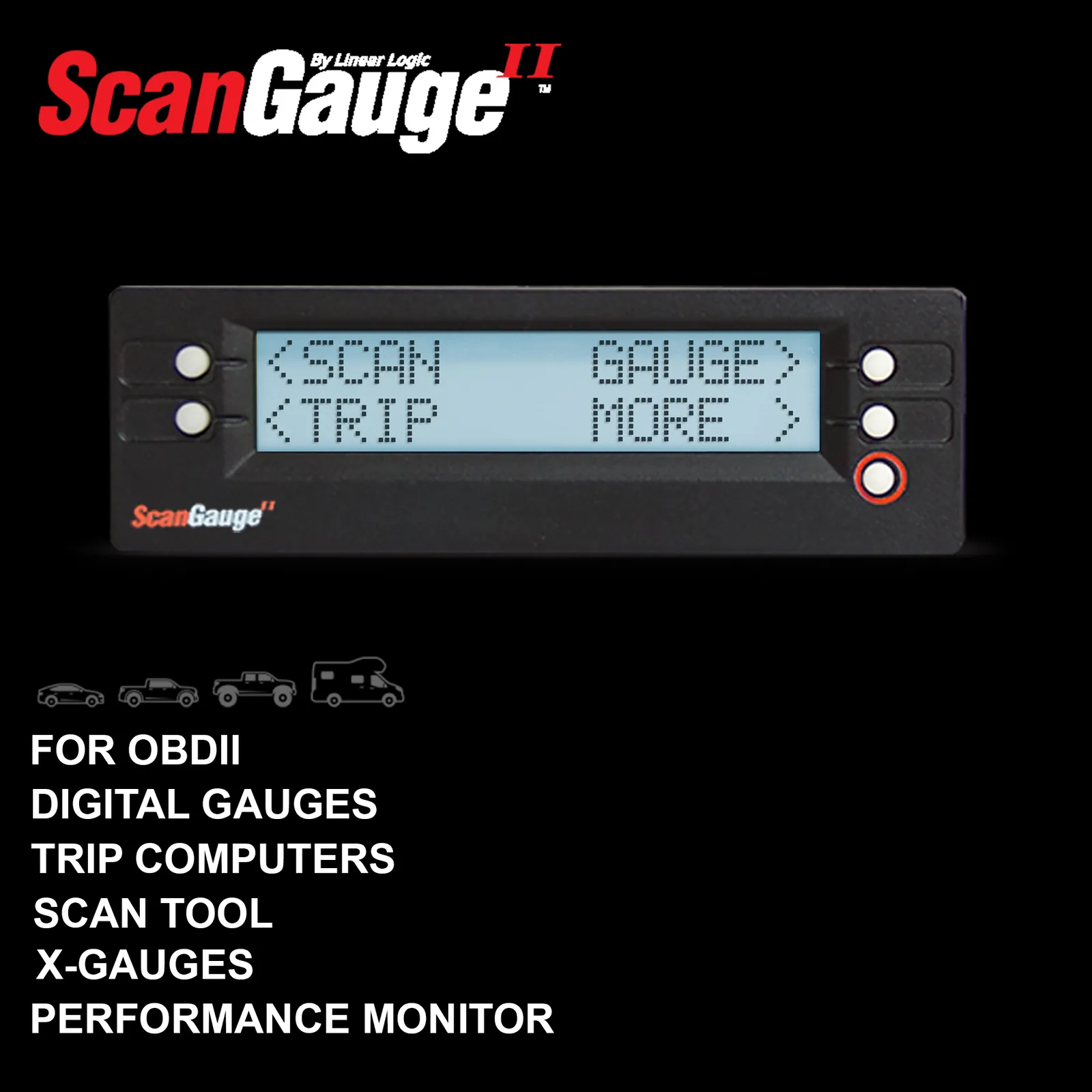
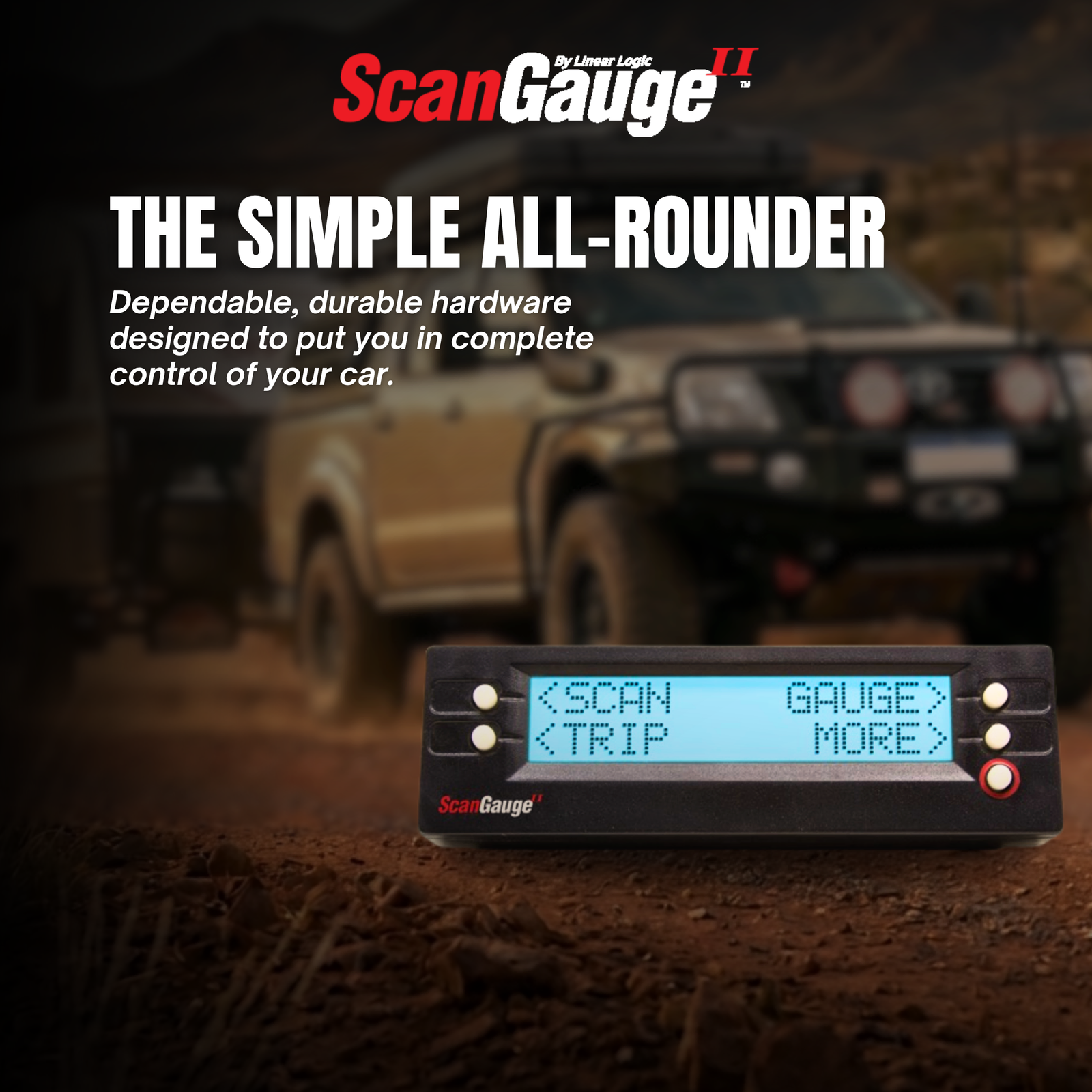
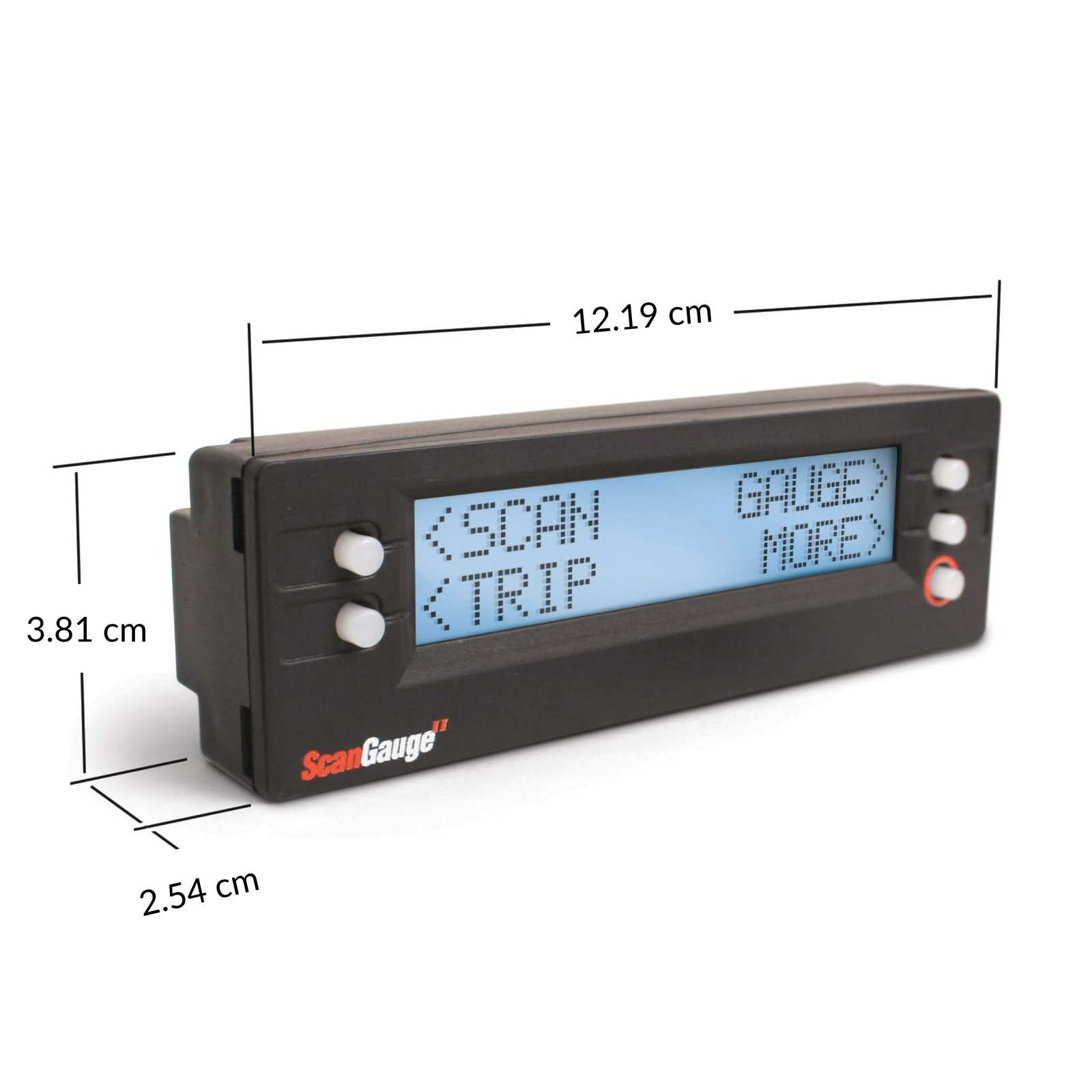
ScanGauge 2 Vehicle Monitor (AU Version)
Long-Range Tank Support, Metric Units & 3-Yr AU Warranty

SCANGAUGE 2 OVERVIEW
Know What's Happening Under Your Bonnet — In Real Time
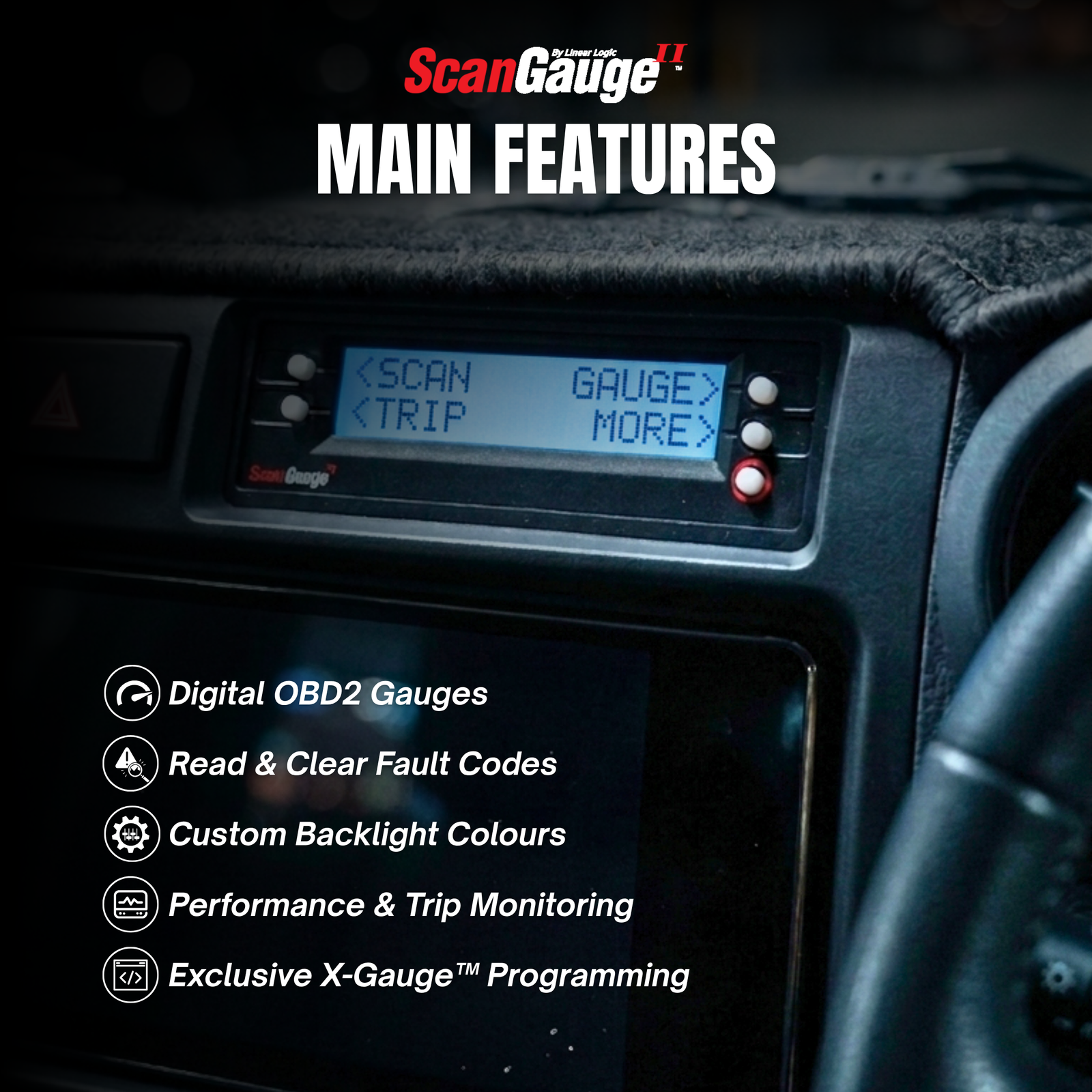
Main features:
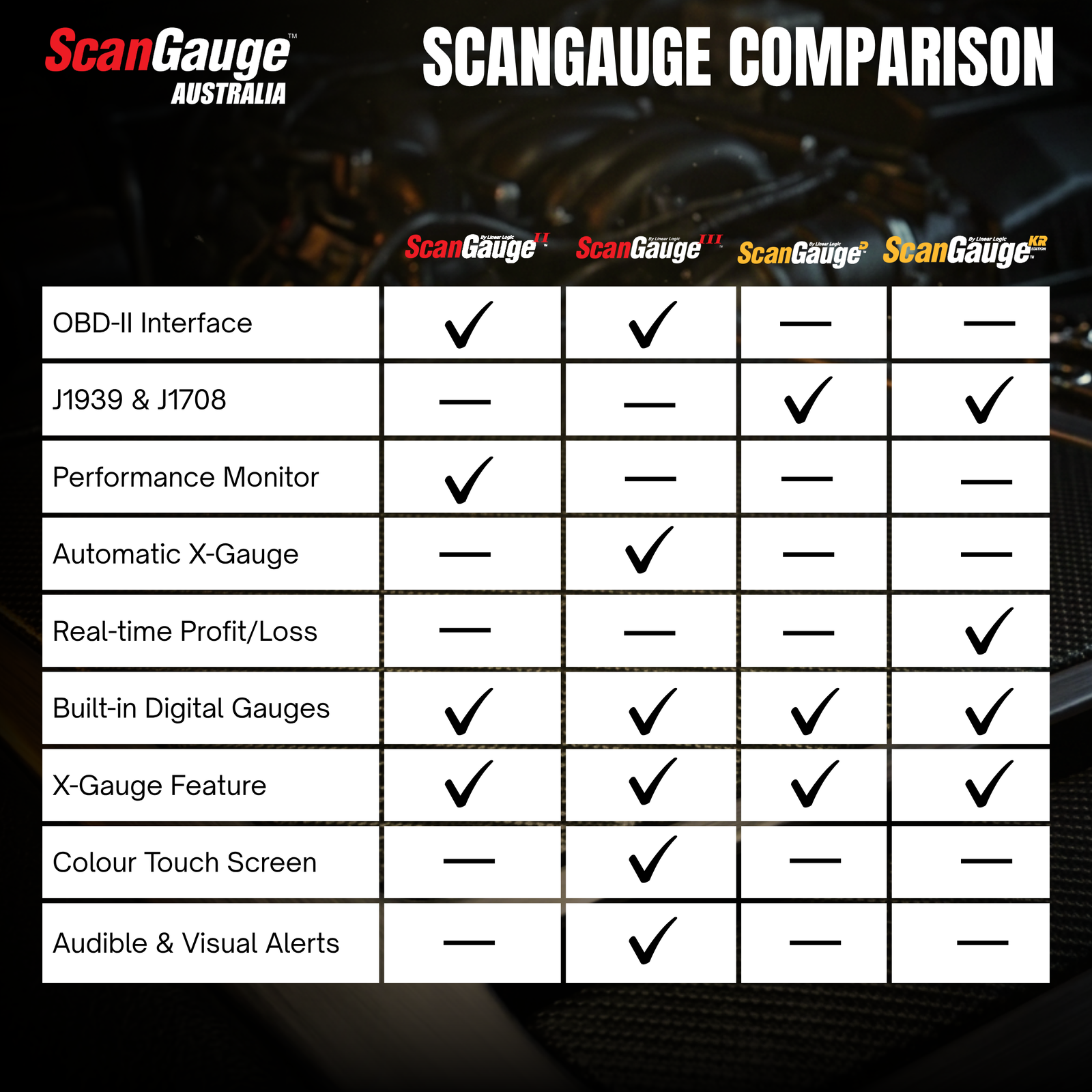
- Compatible with all OBD-II compliant vehicles
- 15+ live digital gauges — display 4 simultaneously
- X-Gauge™ programmable gauges
- 5 trip computers — distance, fuel, cost, speed and more
- Performance Monitor
- Real-time fuel economy — L/100km, cost per km, litres per hour
- OBD fault code reader — read and clear codes instantly
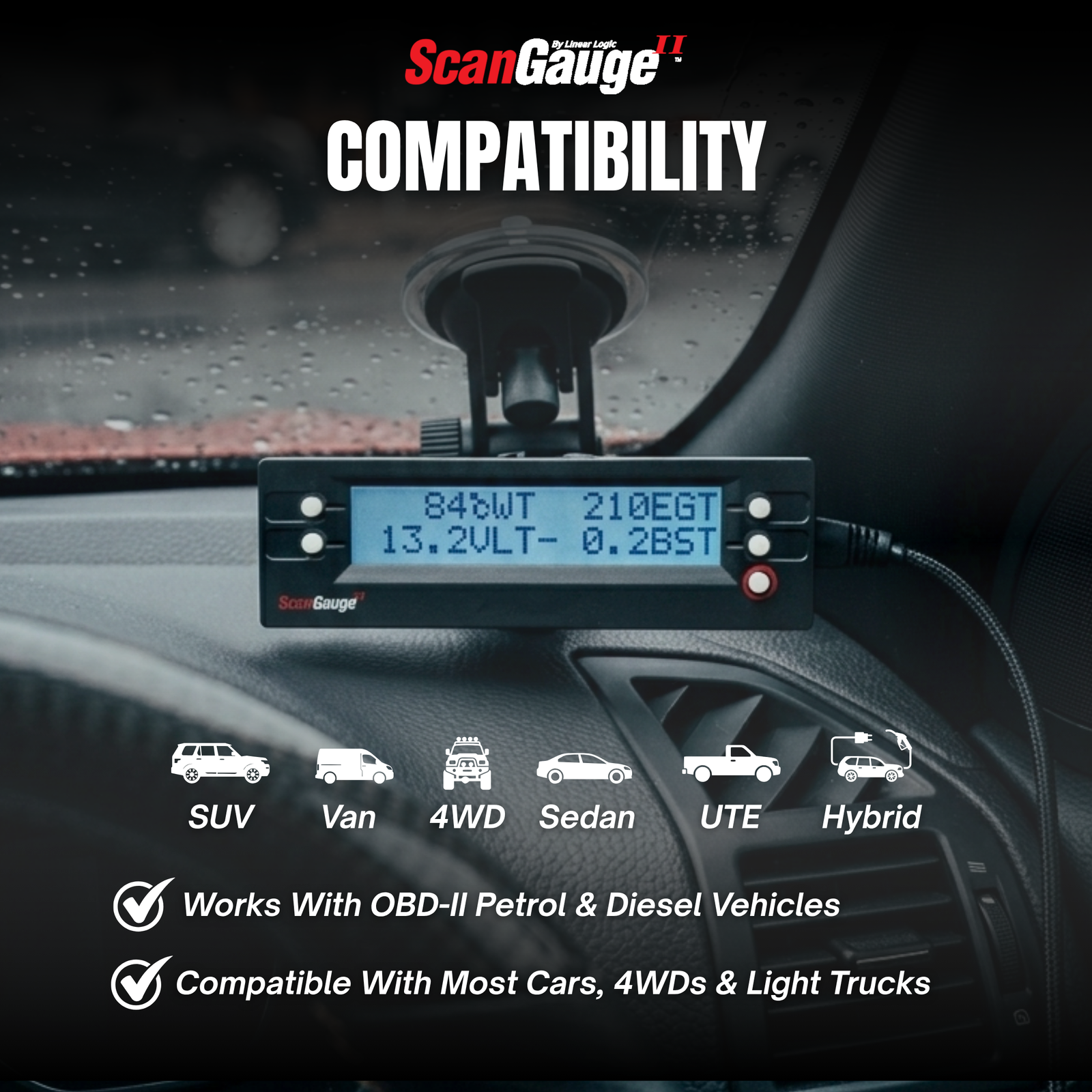
Compatible with most petrol, diesel and hybrid vehicles — sedans, SUVs, utes, vans and light commercials that are OBD-II compliant. Most Australian vehicles manufactured from 2006 onward are supported. Check full compatibility →
MONITOR ALL VITALS
Six tools. One device. Plug & play.
Whether you're a 4x4 tourer monitoring transmission temps on a long tow, a daily driver trying to stretch your fuel budget, or a home mechanic who wants to stay on top of their vehicle's health — the ScanGauge 2 gives you the information that changes how you drive and maintain your vehicle.

15+ Live OBD2 Gauges
Display 4 simultaneously — water temp, RPM, boost, fuel economy, battery voltage, throttle position and more. Fully customisable layout.
X-Gauge™ Programmable Gauges
Go beyond standard OBD2 — add transmission temp, EGT, DPF soot load and other vehicle-specific parameters tailored to your make and model.
5 Trip Computers
Track fuel cost, distance, average speed, litres used and range-to-empty across five independent logs. Data retained even when unplugged.
OBD2 Fault Code Scanner
Read and clear fault codes the moment a warning light comes on. Critical when you're remote, off-road or in limp mode far from help.
Performance Monitor
Measure 0–100 km/h runs, quarter-mile times and braking distances. Save and recall runs to track improvements over time.
Real-Time Fuel Economy
Instant L/100km, average economy, cost per kilometre, litres per hour and trip fuel cost. See exactly where your fuel money goes.

LIVE OBD2 GAUGES
Monitor engine vitals and every reading your vehicle can share
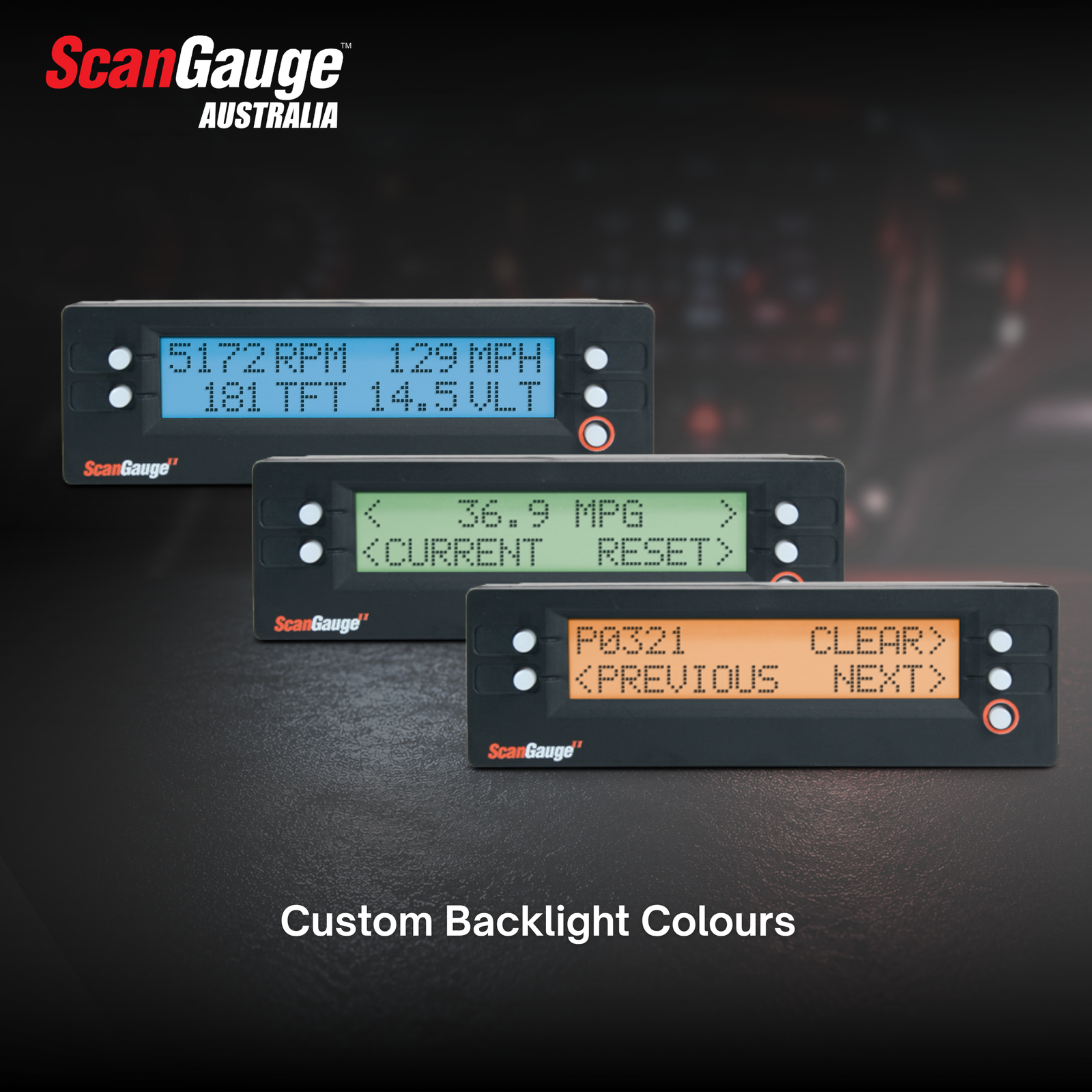
More than 15 built-in digital gauges — select any four to display simultaneously. All data is pulled live from your vehicle's ECU as you drive. Switch between metric and imperial — km, litres, Celsius and kPa all supported.
| Code | Gauge | Code | Gauge |
|---|---|---|---|
| LHK / KPL | Litres per 100km / Km per Litre | CWT | Coolant Temperature |
| AVG | Average Fuel Economy | RPM | Engine RPM |
| LPH | Litres Per Hour | KPH | Speed (km/h) |
| TFC | Trip Fuel Cost | VLT | Battery Voltage |
| CPM | Cost Per Kilometre | TPS | Throttle Position |
| MAP / BST | Manifold Pressure / Boost | LOD | Engine Load |
| FIA / CIA | Intake Air Temperature | IGN | Ignition Timing |
| FPR | Fuel Pressure | HPR | Horsepower |
* Available parameters vary by vehicle make and model. If a parameter is not supported by your vehicle's ECU, no data will be shown for that gauge.
X-GAUGE™ SYSTEM
Go beyond standard OBD2 — monitor what really matters for your build
Towing a caravan? Doing serious off-road work? Running a tuned diesel? The standard OBD2 gauges don't tell the full story. X-Gauge is ScanGauge's exclusive programmable gauge system — tap into manufacturer-specific data channels and display them alongside your standard gauges. Enter the X-Gauge code for your vehicle and the parameter appears instantly. Free codes available for hundreds of vehicles.
Popular X-Gauge parameters include:
Transmission fluid temp · Torque converter temp · Exhaust gas temp (EGT) · DPF soot load % · DPF differential pressure · Engine oil temp · Fuel rail pressure · Transfer case temp · and many more

TRIP COMPUTERS
Five trip computers — always logging, always ready
The ScanGauge 2 runs five independent trip computers simultaneously — tracking every kilometre, every litre and every dollar across your current trip, today, yesterday and your current tank. Pair that with instant L/100km, cost per km and litres per hour, and you'll always know exactly what each drive is costing you. Use that data to monitor your fuel spend, adjust your driving style and save on every trip.
- Current Trip, Today and Previous Day
- Kilometres driven & hours driven
- Fuel used and trip fuel cost
- Average and max speed
- Max RPM and max coolant temp
- Fuel economy (L/100km)
- Current Tank and Tank to Empty
- Fuel used on current tank
- Distance to empty
- Hours to empty
- Average economy for current tank
- Total fuel cost for current tank
OBD2 SCAN TOOL
Know what your engine is telling you — when it matters most


PERFORMANCE MONITOR
Track performance. Prove the gains.
The built-in Performance Monitor™ captures every run. Whether you're validating an ECU tune, heading to a track day, or benchmarking brake upgrades — every result is saved for back-to-back comparison.
Monitor various aspects of your vehicle's performance:
- Track quarter-mile times and speeds
- Measure 0–100 km/h acceleration
- Measure braking performance
- Save and recall performance runs
- Monitor specific digital gauges
INSTALLATION
Up and running in under five minutes — no tools required
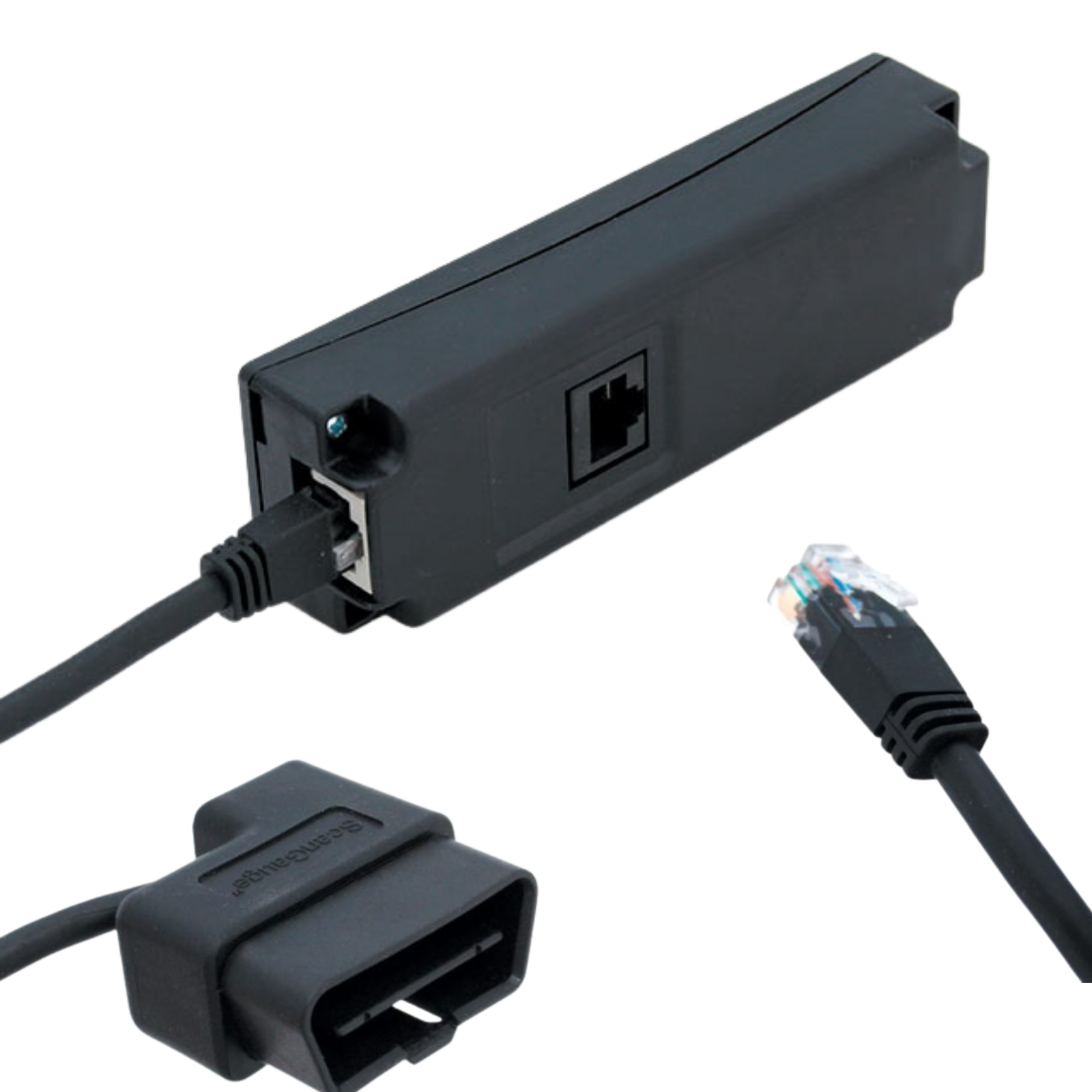
Plugs directly into your vehicle's OBD2 diagnostic port under the dash and powers itself from it. No wiring, no calibration, no tools required.


IN THE BOX
What's included
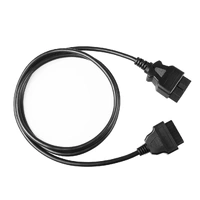
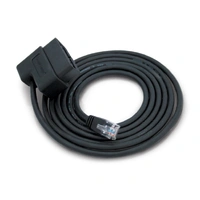
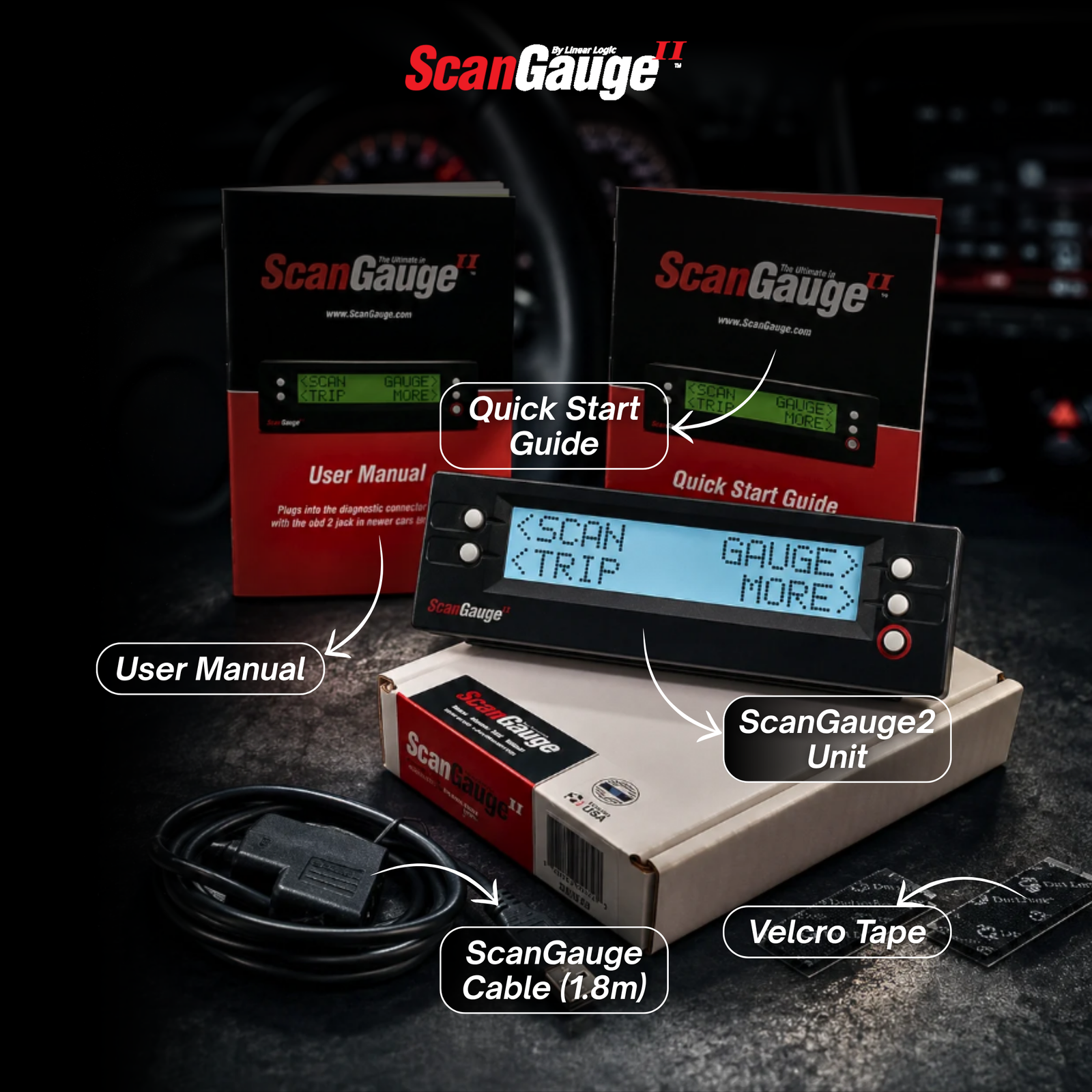
• ScanGauge 2 unit (latest Australian firmware) • 1.8m OBD2 cable • Velcro mounting tape • User manual • Quick-start guide
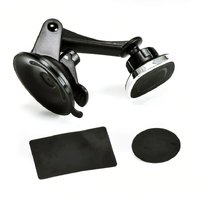
Prefer it on the windscreen? Add the ScanGauge window mount.
COMPATIBILITY
Will ScanGauge work on my vehicle?
ScanGauge 2 and ScanGauge 3 work with OBD2-compliant petrol, diesel and hybrid cars, 4WDs, utes, vans and light commercials. In Australia, most vehicles from 2006 onwards are OBD2 compliant, and nearly all from 2010 onwards are fully supported.
- Most petrol and diesel cars from 2006 onwards
- 4WDs and SUVs — LandCruiser, Prado, Ranger, Everest, Patrol and more
- Utes and light commercials
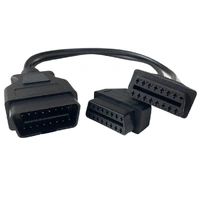
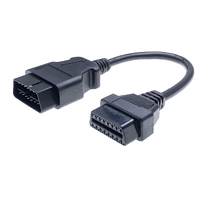
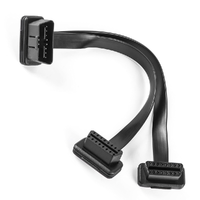
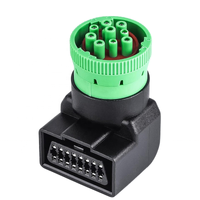
- Medium trucks with a 16-pin port (e.g. Isuzu, Hino) — ScanGauge 3 with our 24V OBD extension cable
- Vans and people movers
- Most OBD2-compliant EV's and hybrids
- All five OBD2 protocols — CAN, ISO, VPW, PWM and KWP2000
- Vehicles that aren't OBD2 compliant (including some older vehicles with a 16-pin port)
- Heavy diesel trucks, buses and machinery using J1939/J1708 — see ScanGauge-D, KR or HD
- Electric vehicles that don't report standard OBD2 data
Popular compatible vehicles
- LandCruiser 200 & 300 Series
- Prado 150 Series
- HiLux (2006 onwards)
- RAV4, Camry (2006 onwards)
- Ranger (2011 onwards)
- Everest
- BT-50
- CX-5, Mazda 3 / 6
- Patrol (Y62)
- Navara, X-Trail
- Triton, Pajero Sport
- Outlander
- D-Max (2012 onwards), MU-X
- Colorado, Trailblazer
- Commodore (2006 onwards)
- Amarok, Tiguan
- Transporter
- Sprinter, C / E Class
- Forester
- Outback
- Impreza
This isn't a complete list. See the full Australian OBD2 compatibility list →
| SKU | SGIIAUFFP |
| Barcode # | 788006004122 |
| Brand | ScanGauge-II |
| Shipping Weight | 0.3000kg |
| Unit Of Measure | ea |
Scanguage2
By: Jeff Dixon on 17 March 2026Very good lead time. Extremely easy to install and enter preliminary information from vehicle user manual. Had minor difficulty entering parameters for Auto Transmission Fluid and support was quick to reply. Whilst waiting I went back and started over with the parameters and sorted out what I was doing wrong and successfully entered them. The instructions are very well set out in the manual. Completed first trip towing and was set at ease knowing the ATF temp was acceptable and all of the bonus gauges provided additional info. Glad I have it.
(5)
Scanguage2
By: Jeff Dixon on 17 March 2026Very good lead time. Extremely easy to install and enter preliminary information from vehicle user manual. Had minor difficulty entering parameters for Auto Transmission Fluid and support was quick to reply. Whilst waiting I went back and started over with the parameters and sorted out what I was doing wrong and successfully entered them. The instructions are very well set out in the manual. Completed first trip towing and was set at ease knowing the ATF temp was acceptable and all of the bonus gauges provided additional info. Glad I have it.
(5)
setting up
By: David Paul on 27 January 2026Reasonable easy to set up. Got it for the X gauge for a Pajero Sport. Set up the standard settings. It takes awhile to scroll through to get to my X gauges. Bit hard if you are driving.
(4)
Excellent product
By: Shane Ash on 1 December 2025Fitted Scangauge2 to my VW 2022 Amarok W580X after having it in my previous Amarok, is excellent and tells you all the temperatures, great when towing re ATT and just added in some X-Gauge values re DPF, GRM and EO1, just need to work out how to know what the reading I get mean for my vehicle in regard to Good or Bad.
(4)
Scangauge 2 in 2025 Isuzu D Max SX extra cab
By: Owen Franke on 11 November 2025Somewhat disappointed that the Scangauge is not able to monitor DPF operation on the Isuzu. Also, when compared to my 200 series, the readings for automatic transmission temp and EGT seem high so not convinced of their accuracy. Only been fitted for a week so I am still getting familiar with the readings and comparing with what others are reporting in forums, etc. Installation was simple and operation of the standard gauges seems OK.
(3)
ScanGauge Australia Response
Hi Owen, thank you for leaving the time to write the review. X-gauges such as DPF related gauges are vehicle specific (not standard OBD2) so coverage can vary across model. Did you try running an X-gauge auto san? With regards to transmission temperatures, again if you ran the X-gauge auto scan the readings are coming directly from the sensors on your vehicle via the ECU, so should be accurate.
Scan gauge 2
By: Allan on 6 August 2025Quick delivery, great back up. Ordered the scan gauge2 because of the size. 200 series Landcruiser,It is great quality and performs as expected. Love the X gauge set up, can monitor transmission pan temp as well as transmission torque converter temp and water temp all straight in front of you great for towing. Great product.
(5)
for a BT50
By: Brian Grainger on 22 June 2025Bought the unit a while back for a different vehicle but have just put it in a 2022 BT50. Put In the X Gauge codes for Auto trans temp (for towing) and current gear. Park=126. Neutral=0 Reverse=-2. Will get around to all the other little tricks at a later date.
(5)
Scan gauge11 Aus version
By: Richard king on 26 November 2024Set up for 2019 Hi-lux great for keeping a watch of the transmission temps,torque convertor and oil pan sensors
(5)
ScanGauge
By: Wayne Williams on 30 May 2023Purchased this product to see what the actual water temperature is. It has other gauges as well. It is just the product I want to see what the engine of my Nex Gen Ford Ranger is doing in real time, a great bit of gear.
(5)
Not only great for letting you know how you drive
By: Nick on 7 April 2023I have a scangauge in both my pilot vehicles and it helps with knowing the costings of each job. On our sprinter the fuel gauge decided that it did not want to show what was in the tank which is when the tank to empty came into play and has worked a treat
(5)
ScanGauge2
By: Phil on 24 March 2023I'm very happy with my scan gauge. It only took a few minutes to install. As I'm towing a 3t caravan, I wanted to monitor the trans temp on my 2017 Ranger Wildtrak. At first it didn't bring that up but after downloading the codes from the website it works perfectly. Fast Shipping as well. Thank you.
(5)
ScanGauge2
By: John Steele on 30 November 2022I purchased this item from a recommendation by a family member and it certainly lives up to what it says it does. It gives me all the information I need at the push of a button and is easy to use. Very happy.
(5)
Scangauge 2
By: Ryno on 14 September 2022Great customer service quick delivery good quality product does what I needed it two do for my Triton great to be able to monitor transmission temp and clear engine codes if needed definitely recommend scangauge 2
(5)
Great piece of gear for 4x4 enthusiasts
By: Phil M on 16 June 2022I’ve now had the Scan Gauge 2 installed for over a month on my Hilux and can thoroughly recommend buying one if your in the market. Pros : 1. Easy to install, it’s a plug and play device; 2. simple to configure the device to your vehicles specs; 3. simple to use, just select the gauge you want to display by scrolling through the available gauges - can display up to 4 gauges at a time; 4. ability to configure additional gauges using Xgauge; 5. ability to read and clear fault codes - most important feature if your 4x4 decides to go into limp mode somewhere in the bush. Cons: none. In summary, a versatile piece of configurable equipment which provides valuable insights into the cars performance and health. Highly recommended.
(5)
The second purchased Scangauge 2 works like the fi
By: Terry Haebich on 5 April 2022Trying not to be negative is hard given the experience with my original Scangauge 2. However, the "new" unit experience has been great as the issue experienced with the original unit doesn't occur. Within seconds of the ignition being turned I can see the four configured sensors displayed. I purchased the Scangauge 2 so I could use it's X-Gauge feature to monitor the temperature of the automatic transmission Original Scangauge display issue: I purchased my original Scangauge 2 on 04Aug18. Since around 18Feb20 it intermittently either did not display anything or "rubbish" or just the "Connecting" message. My "work around" was to unplug/replug the cable until it worked. It was sent back for repair twice but issue still persisted. After "putting up" with this (getting worse over time), I purchased a second one on 21Mar22. From it's installation on 28Mar22 using the original cable, the new one displayed the configured sensors almost immediately with no "Connecting" message. I now wish I had done this before now.
(5)